Popular
$12.29
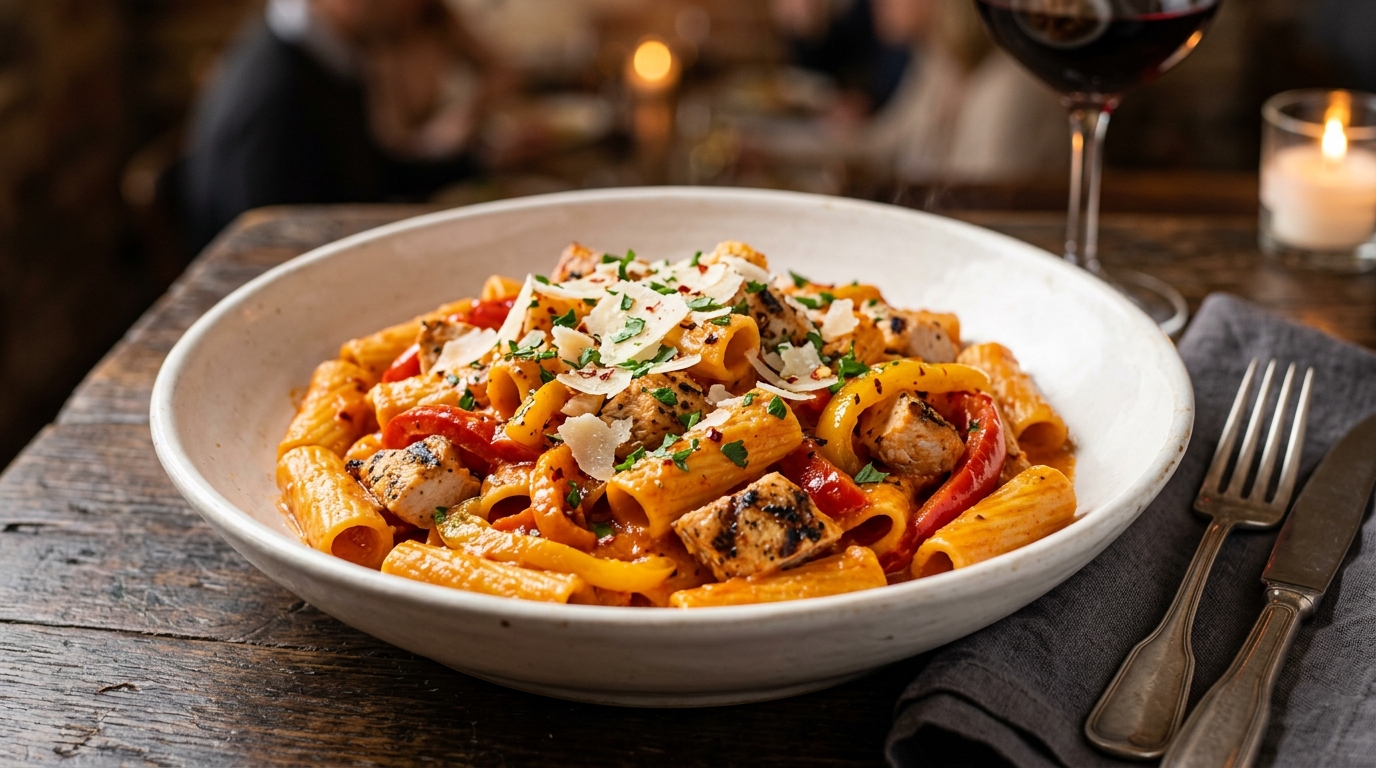
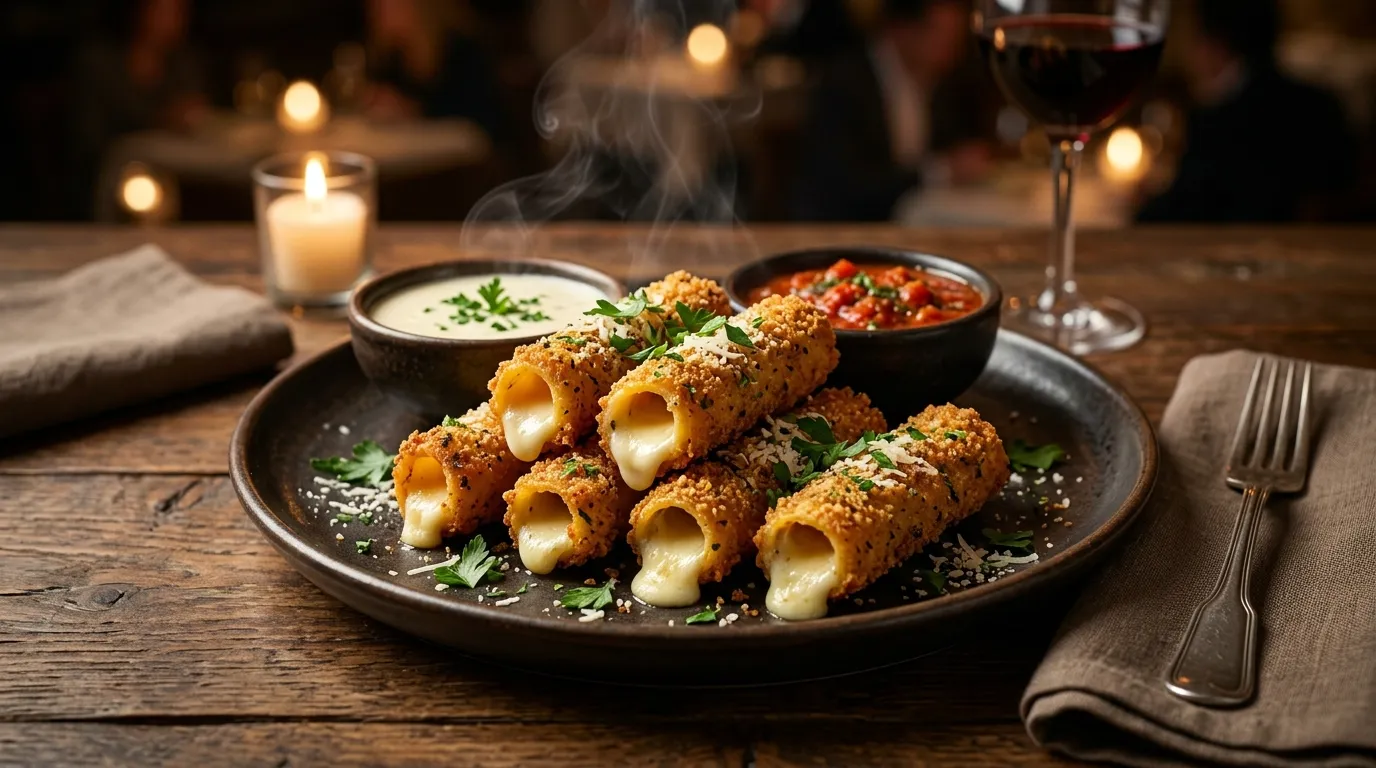
Stuffed Ziti Fritta
500 cal, marinara 35 cal, alfredo sauce 220 cal
500–500 cal
Get your Italian favorites without the wait. Order online for in-store pickup or curbside a team member brings it straight to your car. Full menu available, ready in 15-25 minutes, and zero delivery fees. Prefer doorstep service? Try delivery instead. Feeding a crowd? See our catering options.
Walk into the restaurant and pick up your order at the To Go counter. Usually located near the front entrance.
Park in a designated curbside spot and a team member brings your order to your car. Stay in your vehicle the entire time.
From your phone to your hands in four simple steps
Use the Olive Garden app, visit olivegarden.com, or call your local restaurant to place your To Go order.
Select ASAP (ready in 15-25 min) or schedule a future time that works for you. Great for planning ahead.
Pay with card, Apple Pay, or gift card online. Or pay when you arrive both options available.
Choose in-store or curbside. For curbside, text or call when you arrive and we'll bring it to your car.
These fan favorites travel well and are frequently ordered for takeout. Each includes unlimited soup, salad & breadsticks packed separately so nothing gets soggy.
Italian cuisine is one of the best food categories for takeout. Pasta holds heat well in insulated containers, sauces actually improve as flavors meld during transport, and breadsticks stay warm in foil-lined bags. Olive Garden packages each component separately dressing on the side, breadsticks in their own bag, soups in sealed containers so your meal arrives in the same condition as dine-in.
Unlike deliverywhich includes a service fee, To Go pickup has no additional charges beyond menu prices. You pay exactly what you'd pay dining in making it the most affordable way to enjoy Olive Garden at home.
Every To Go entrée comes with soup or salad and breadsticks the same unlimited add-ons you'd get dining in. Family-style trays from our catering menu serve 4–6 people and include extra breadsticks.
Combine To Go with eClub offers, gift card payments, and current promotions like Buy One Take One for maximum value. The lunch specials menu (Mon–Fri, 11 AM–3 PM) offers smaller portions at lower prices.
You can order To Go three ways: (1) Online through the Olive Garden app or website create an account, select your location, browse the menu, and choose pickup. (2) By phone call your local restaurant and place your order. (3) Walk in visit the To Go counter and order in person.
Curbside pickup lets you stay in your car while a team member brings your order out. After placing your online order, select "Curbside" as your pickup option. When you arrive, park in a designated curbside spot (usually marked with signs), and text or call to let them know you're there. Your food is brought to your car window.
Yes. The complete Olive Garden menu is available for To Go orders, including all pastas, entrées, soups, salads, breadsticks, desserts, and beverages. See our full menu for all options. Family-size portions and catering trays are also available for pickup.
Most To Go orders are ready within 15-25 minutes. Simple orders (1-2 items) may be ready faster. Large orders, family-size meals, and orders during peak hours (6-7:30pm) may take up to 30 minutes. You can schedule a specific pickup time when ordering online.
No. There are no extra fees for To Go or curbside pickup orders. You pay the same menu prices as dine-in. This makes pickup a great alternative to delivery if you want to avoid the delivery service fee. Check our deals page for more ways to save.
Yes. Family-size pasta trays (serving 4-6), large pans (serving up to 12), jumbo house salads, and extra breadstick baskets are all available for To Go. For larger groups of 10+, see our catering page for full-service options including delivery and setup.
Tipping on To Go orders is optional. Tipping etiquette for takeout varies many guests choose to leave a smaller tip than they would for dine-in service to acknowledge the staff who prepared and packaged the order. The decision is yours; the order will not be affected either way.
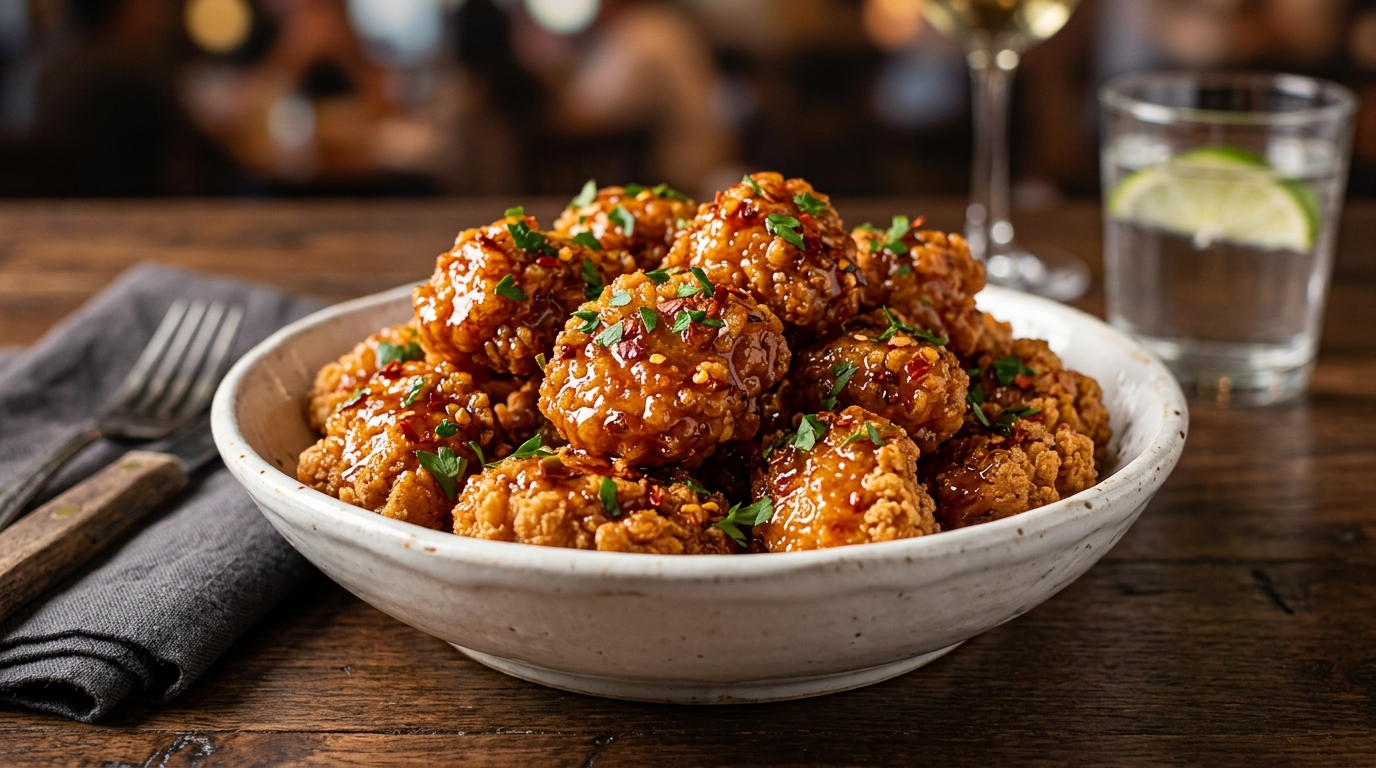
.jpg "Calabrian Hot Honey Chicken Bites (Serves 4 - 6)")