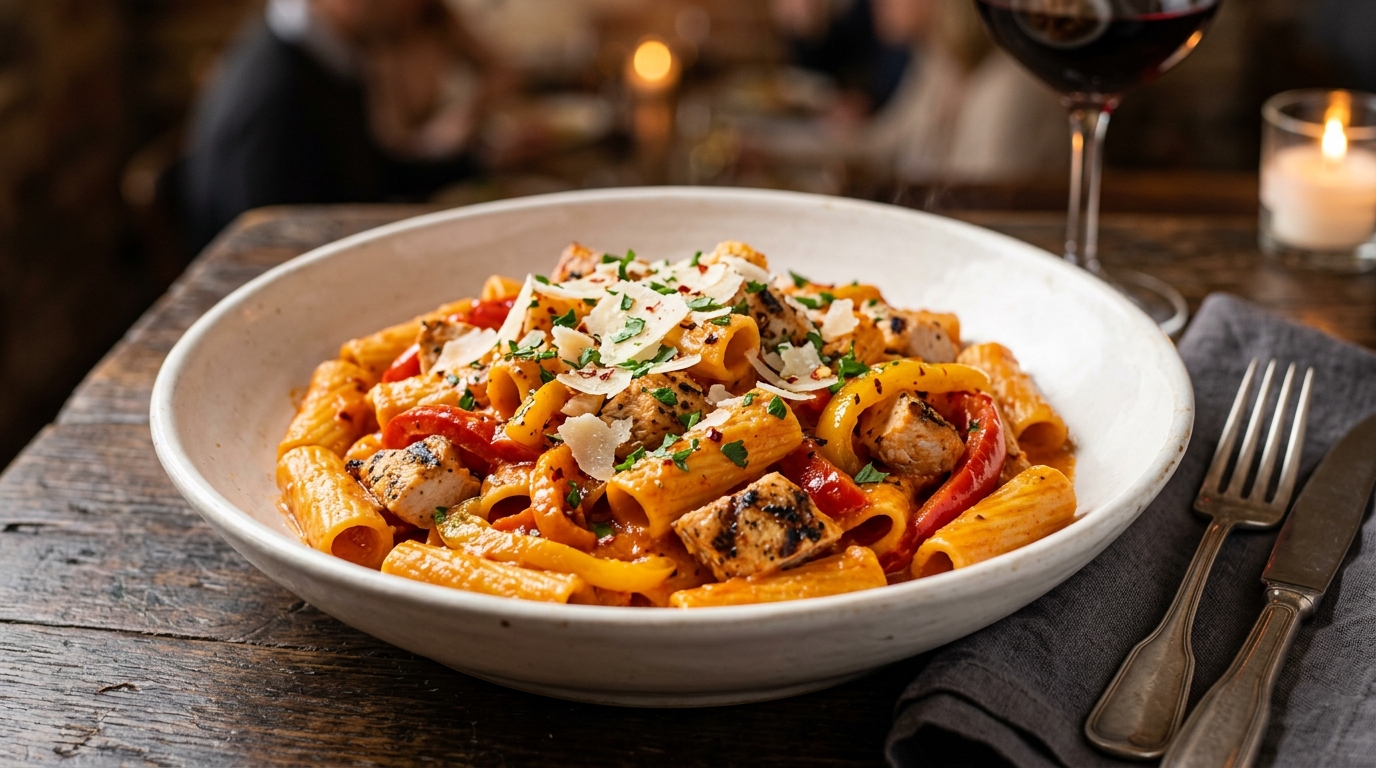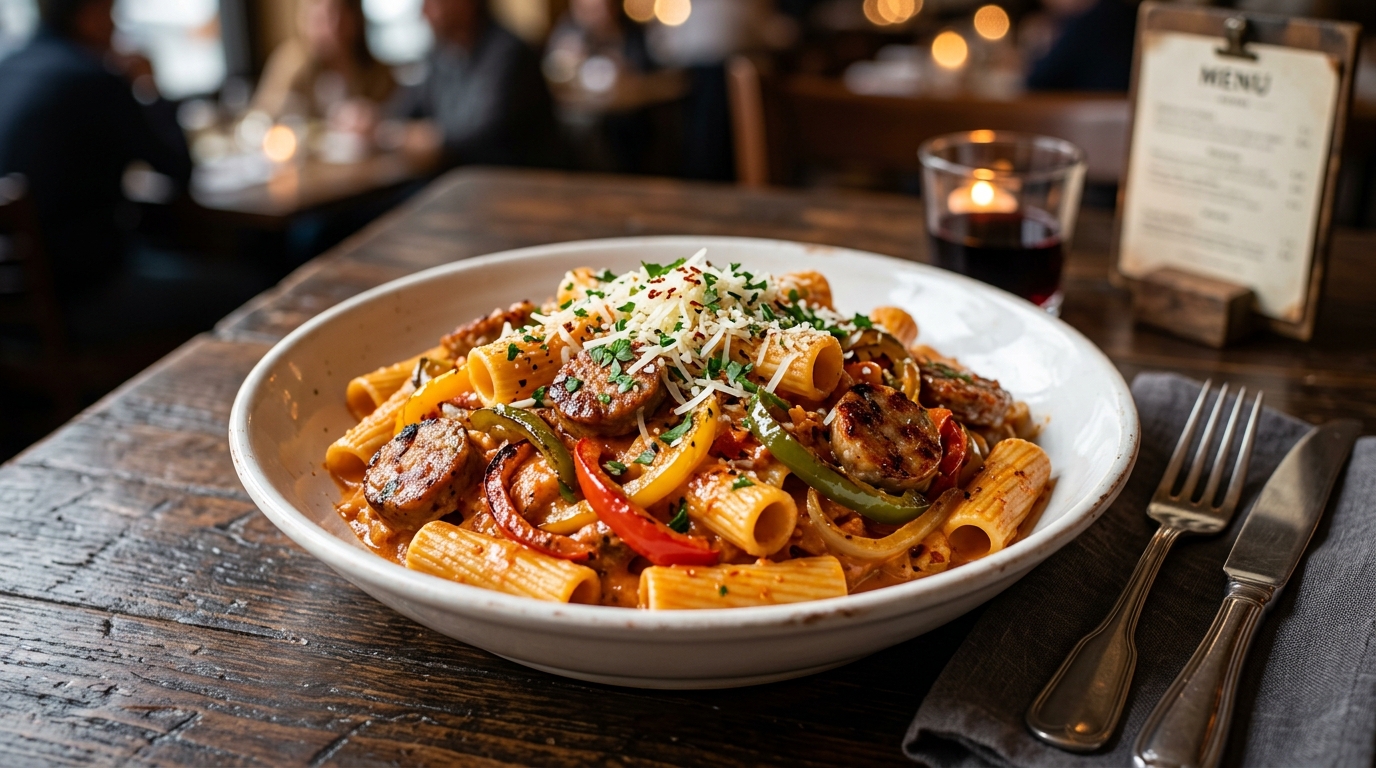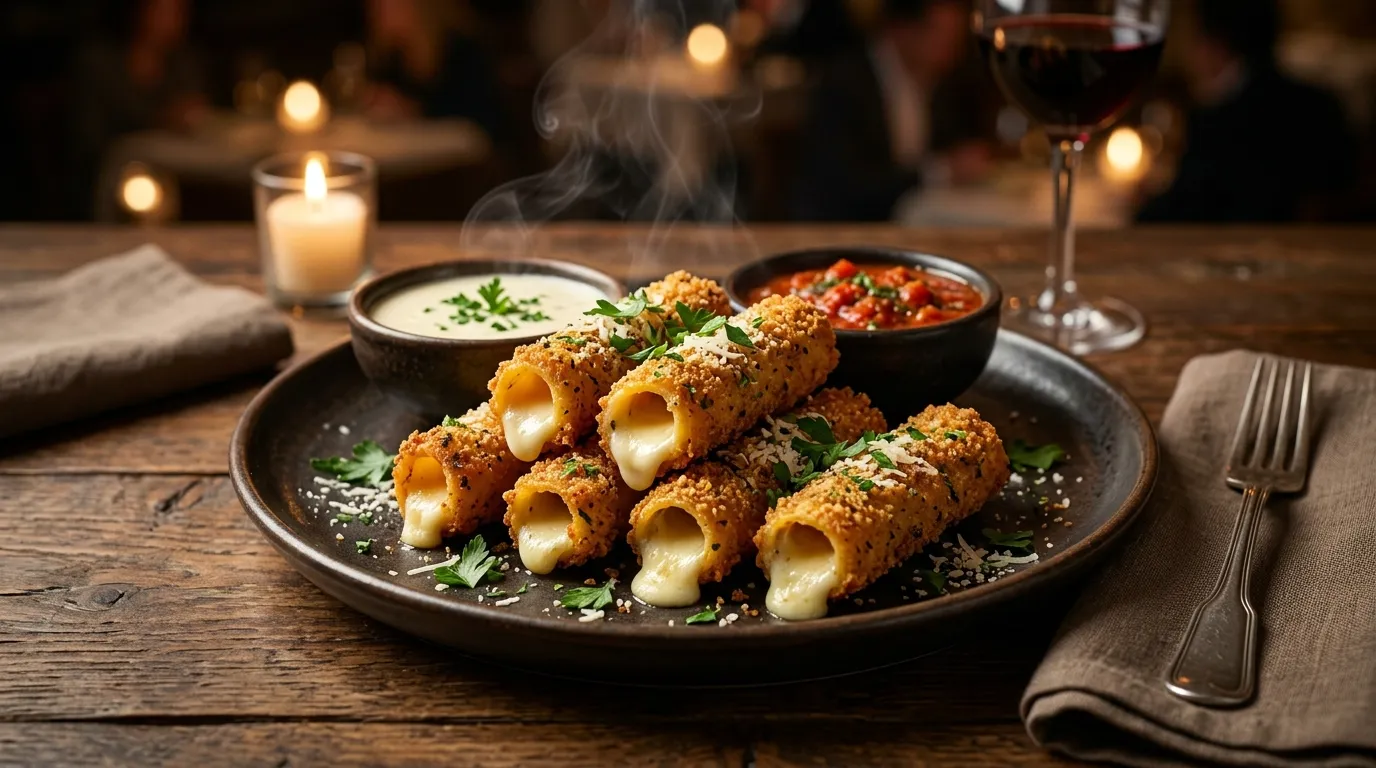
Popular
$12.29
Stuffed Ziti Fritta
500 cal, marinara 35 cal, alfredo sauce 220 cal
500–500 cal
Order Olive Garden delivery through the official olivegarden.com website or Olive Garden mobile app. Per Darden Restaurants' September 2024 press release, deliveries are fulfilled by Uber DirectUber's white-label delivery network with the pilot launching late 2024 and rollout expanding through 2025. Prefer to skip the delivery fee? Use To Go & curbside pickup instead. Feeding a crowd? Our catering service delivers and sets up for groups of 10+.
You order through Olive Garden
Per Darden press release Sep 2024
Nationwide deployment planned
Per Food On Demand: shown to guest before checkout; varies
Not on Uber Eats / DoorDash / Grubhub
Varies by location
Three convenient options to enjoy Italian favorites without dining in
Food delivered by Uber Direct's driver network, ordered through Olive Garden's official channels. Track via the OG app.
Order online, drive to the restaurant, and pick up your food inside or at a designated spot. See our To Go page for full details.
Order online, park in a designated curbside spot, and a team member brings your food to your car.
Four simple steps from your phone to your front door
Visit olivegarden.com or download the Olive Garden app (iOS & Android). Create an account or sign in to your existing eClub profile.
Select your local restaurant, browse the full menu, and add items to your cart. Customize pasta, choose soups, and add breadsticks.
Select delivery (or pickup/curbside). Enter your address, choose a delivery time, and pay with card, Apple Pay, or gift card.
Track your order in the Olive Garden app. Per Food On Demand's coverage, the order is fulfilled by Uber's driver network through the Uber Direct integration not by Olive Garden's own employees.
These fan favorites travel well and arrive fresh at your door
Avoid the lunch rush (12–1pm) and dinner rush (6–7:30pm) for faster delivery. Weekday afternoons typically have the shortest wait times.
Pasta dishes like Fettuccine Alfredo, Chicken Parmigiana, and soups travel exceptionally well. Breadsticks stay warm in insulated bags.
eClub members sometimes get exclusive delivery promotions. Download the app and join the free eClub to access member-only offers and a welcome discount. See our eClub page for full details.
Olive Garden gift cards work for delivery orders. You can also combine a gift card with another payment method if your order exceeds the card balance. Check our gift cards page for balance info and purchasing options.
Both options get you the same menu, unlimited soup or salad, and breadsticks. The right choice depends on whether you value convenience or savings.
Feeding a crowd? Catering includes delivery, setup, and serves 4–20+ guests from $12 per person.
Yes. Olive Garden offers delivery through olivegarden.com and the Olive Garden mobile app. Per Darden's September 2024 press release and Food On Demand's coverage, deliveries are fulfilled by Uber Direct Uber's white-label delivery network. The pilot launched in late 2024, with rollout expanding through 2025. Availability depends on your specific location. If delivery isn't available in your area yet, use To Go pickup instead.
You can order delivery through the Olive Garden mobile app (available on iOS and Android) or by visiting olivegarden.com. Sign in, select your nearest location, browse the menu, add items to your cart, choose "Delivery" at checkout, and enter your address. You can track your order in real-time.
Olive Garden's official delivery program runs through olivegarden.com and the Olive Garden app, fulfilled by Uber Direct. This is different from ordering Olive Garden through Uber Eats or DoorDash, which are third-party marketplace listings (when available, those listings come with their own fees and may be priced differently). For the official experience, order via Olive Garden's own channels.
Per Food On Demand's coverage of the Uber Direct partnership, Olive Garden charges a transparent delivery service fee that is shown to the guest before checkout, plus an optional tip. Olive Garden has stated it does not use separate menu pricing for delivery. Specific dollar amounts vary by order, distance, and location always review the fee shown at checkout.
Delivery is available during regular restaurant operating hours, which are typically 11:00 AM to 10:00 PM Sunday through Thursday and 11:00 AM to 11:00 PM Friday and Saturday. Hours may vary by location.
Yes. When ordering through the app or website, you can choose an immediate delivery or schedule it for a later time. This is helpful for planning lunch meetings or dinner parties.
Yes. Catering orders can be delivered to your location. For large orders (serving 10+ people), delivery is available and recommended. See our full catering menu for platters, trays, and pricing. Contact your local restaurant or call 1-800-642-7336 for catering orders over $500. Advance notice of 24+ hours is recommended.
Delivery brings your food to your door via a driver. To Go (pickup) means you drive to the restaurant and pick up your order yourself either inside or via curbside pickup. Both options use the same app/website for ordering. To Go has no delivery fee. Visit our To Go page for full pickup details. Also check our deals page for any active promotions that apply to off-premise orders.
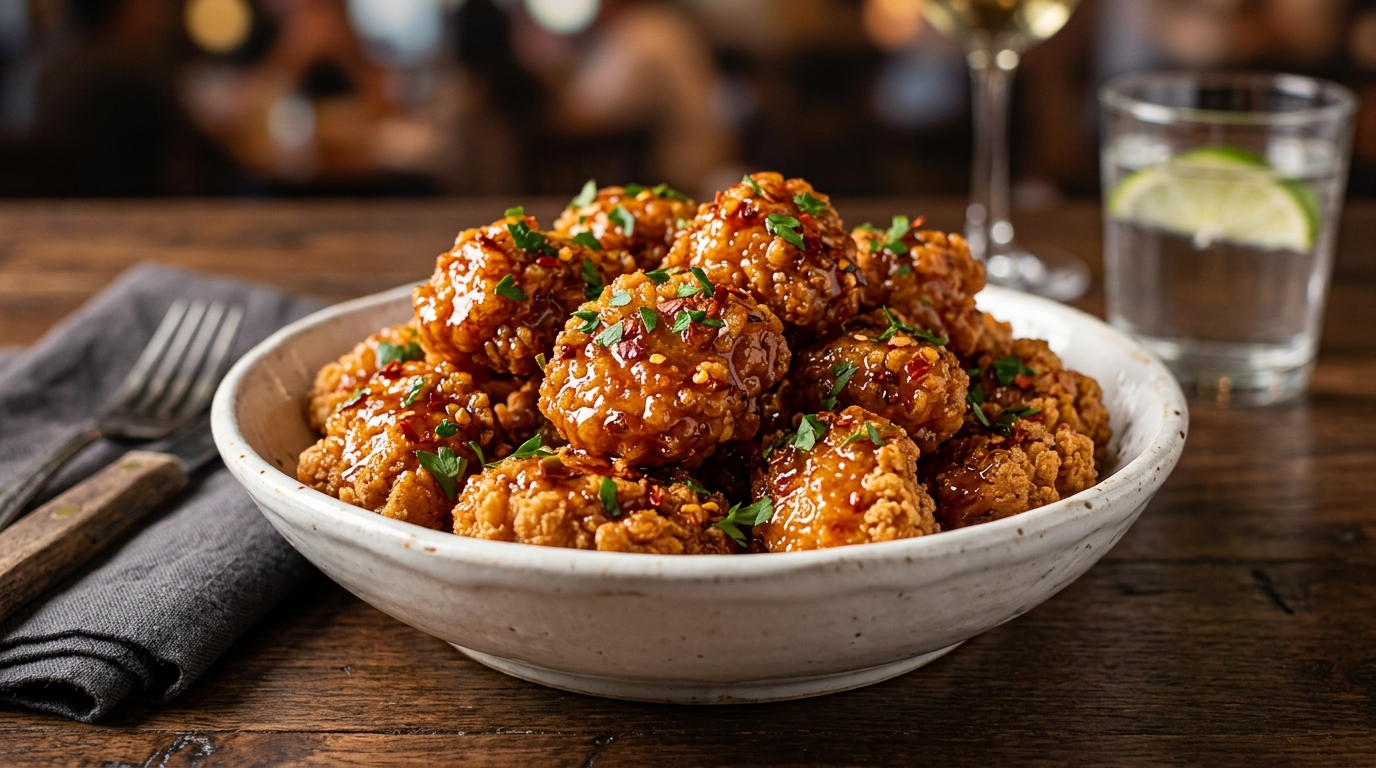
.jpg "Calabrian Hot Honey Chicken Bites (Serves 4 - 6)")